Somewhere between the sale and your analytics, orders go missing. TrackGap tells you which ones, what they were worth, and whether it is actually broken — or just someone declining cookies.
Free plan · Read-only access · Nothing to add to your themeTrackGap sits between those two numbers and shows you exactly where they stopped matching — and which part of the gap is worth fixing.
The big number is the share of orders that never reached your analytics. Under it, the same gap split by cause — because half of it is usually consent, and that part you cannot fix.
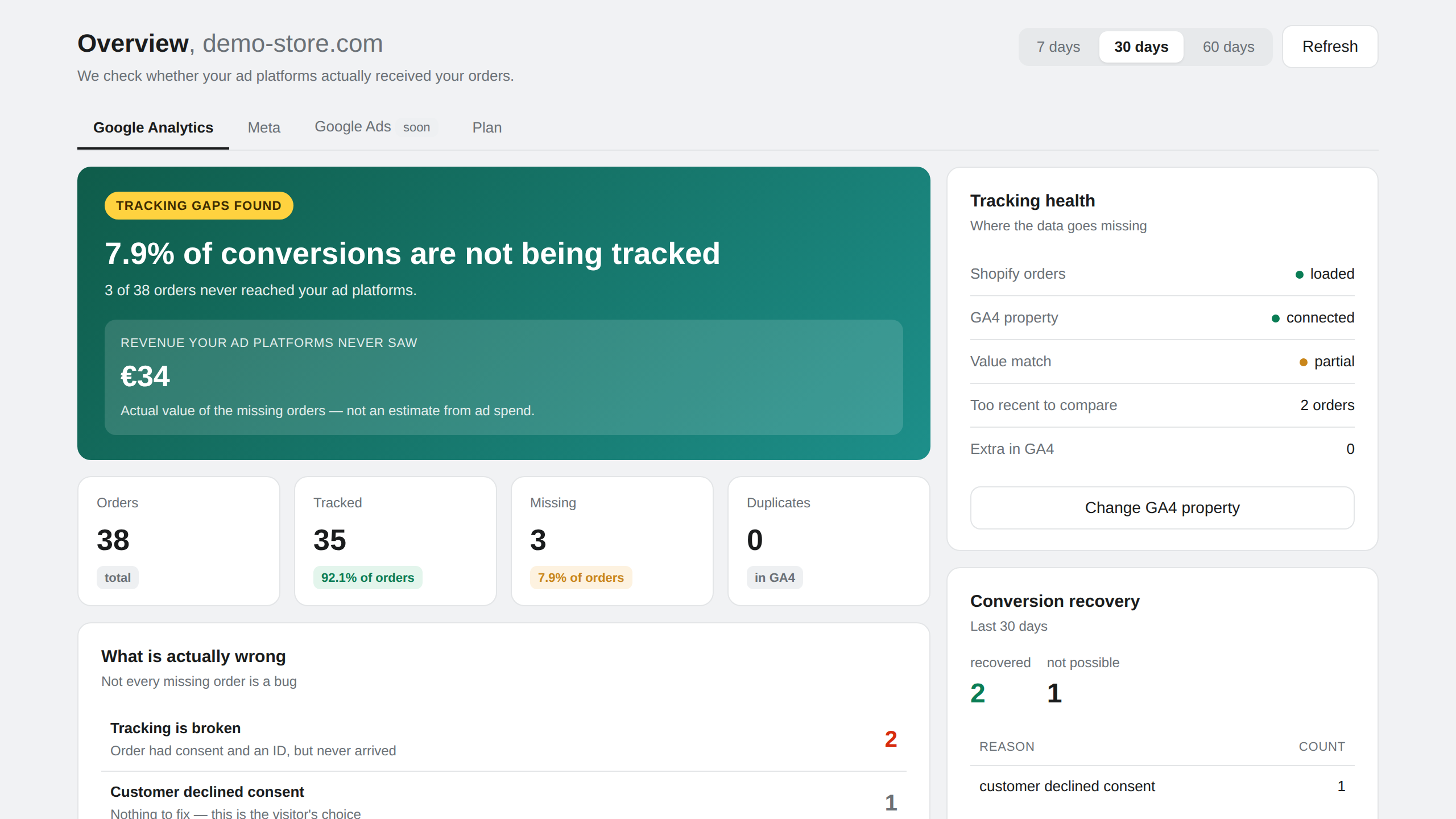
The revenue figure is the sum of the missing orders as your store recorded them — not an estimate from ad spend you typed in.
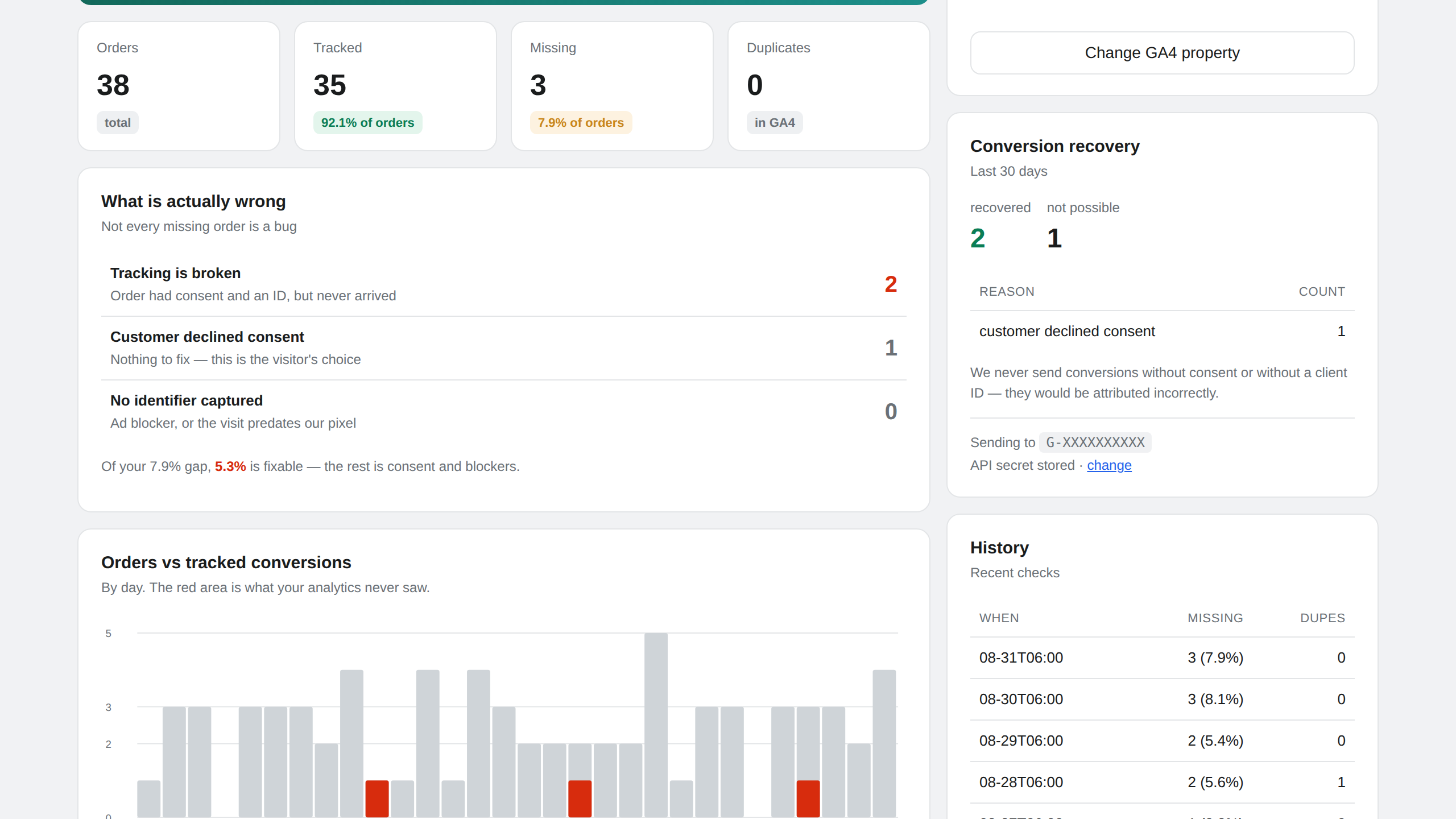
Posts from the Shopify Community forum. There are over a hundred threads like these.
Each week is so different — about 10 – 20% of orders are missing. Asked Shopify support but they say it's a problem with Google.
community.shopify.comLast year we sold 348 of a specific product, but in GA4 it's only saying that we sold 54.
community.shopify.comActual orders: 2,961. Thank-you page views in GA4: 1,129. That's a gap of nearly 3×.
community.shopify.comInstall it, connect GA4, done. Nothing goes into your theme.
Straight from Shopify, server-side. Adblockers and consent banners cannot touch this one.
Pulls the transactions GA4 actually recorded and matches them by order ID, one at a time.
Broken tag, declined consent, duplicate events, or a value sent without shipping. These are very different problems.
Where there is consent and an identifier, the missing conversion goes back to GA4 with its original source. Where there is not, we say so instead.
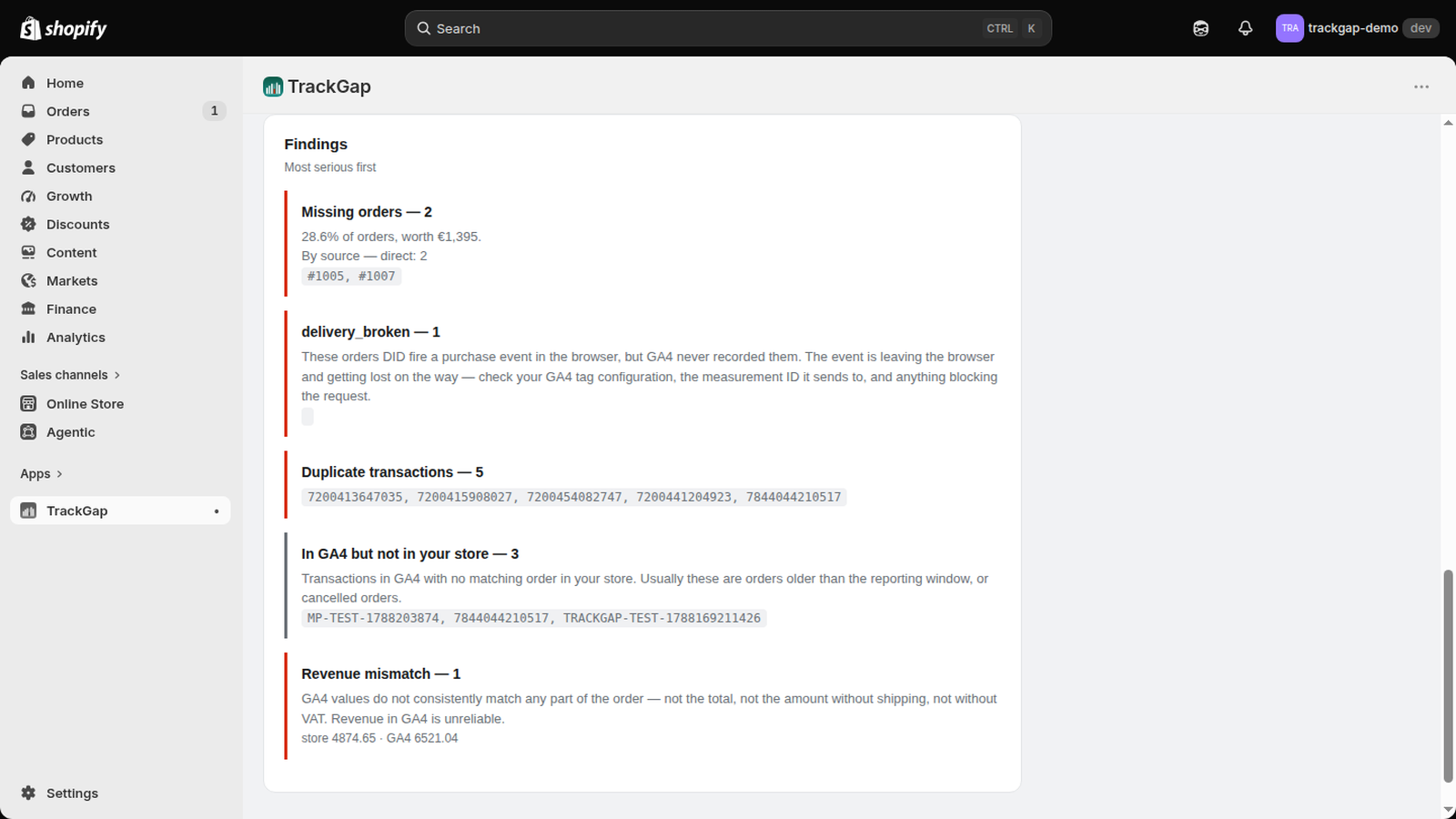
Official Shopify and Google APIs. No theme code to paste or maintain.
Audit tools load your site and check whether the tag fires. That is useful — and it is not the same question.
| Audit tools | TrackGap | |
|---|---|---|
| Confirms the tag fires | Yes | Yes |
| Simulates a visit to test the funnel | Yes | No |
| Validates your data layer schema | Yes | No |
| Matches every real order by ID | No | Yes |
| Reads GA4 and Meta directly | No | Yes |
| Separates consent from actual bugs | No | Yes |
| Restores missing conversions | No | Yes |
If you need to know whether your tracking plan is correctly implemented, use an audit tool. If you need to know whether yesterday's orders arrived — that is this.
Billed through Shopify, on the invoice you already get. The limit is monthly orders — going over it does not stop the checks, we just tell you.
All paid plans start with a 7-day free trial.
I run measurement for around eighty e-commerce stores. The same thing kept happening: a client's numbers stopped matching, and finding out why meant exporting orders, pulling GA4 transactions and diffing them in a spreadsheet — every time, by hand.
One store had been sending every purchase to GA4 twice since April. Revenue looked 13,000 € higher than it was, and nobody noticed for four months. Another had a conversion action in Google Ads that recorded nothing for 38 days straight while the store kept selling.
Neither was hard to find once you knew to look. That is the whole point of this app: it looks, every day, so you do not have to.
— Karol Bolgár, NullLogic
TrackGap finds the problem. Fixing it usually means going into GTM, consent mode or server-side tagging — which is what I do for a living.
Same person who built this app. No sales call, just email me.
The questions merchants ask before installing.
Common causes include declined analytics consent, blocked or broken purchase tags, duplicate events, processing delays, and order values sent without shipping or tax. TrackGap matches orders by ID so these causes can be separated.
No. TrackGap uses official Shopify APIs and a Shopify web pixel extension. There is no theme code for the merchant to install or maintain.
Yes, when the visitor granted the required consent and a valid GA4 client identifier is available. TrackGap does not send conversions when consent is declined or cannot be demonstrated.
TrackGap does not request customer names, email addresses, postal addresses, phone numbers, or payment details. It uses order IDs, values, timestamps, traffic sources, and pseudonymous analytics identifiers needed for reconciliation.
Install it, connect GA4, and you will know within a minute how many of your orders are actually being tracked.
Install on ShopifyFree plan · No code · Read-only access